A file outlives
its link
A3.Drive stores files and documents for companies and A3 ecosystem products. Employees work with company and project drives, while products keep deal and ticket attachments and call recordings. Links point at the file identifier, not at a storage address.
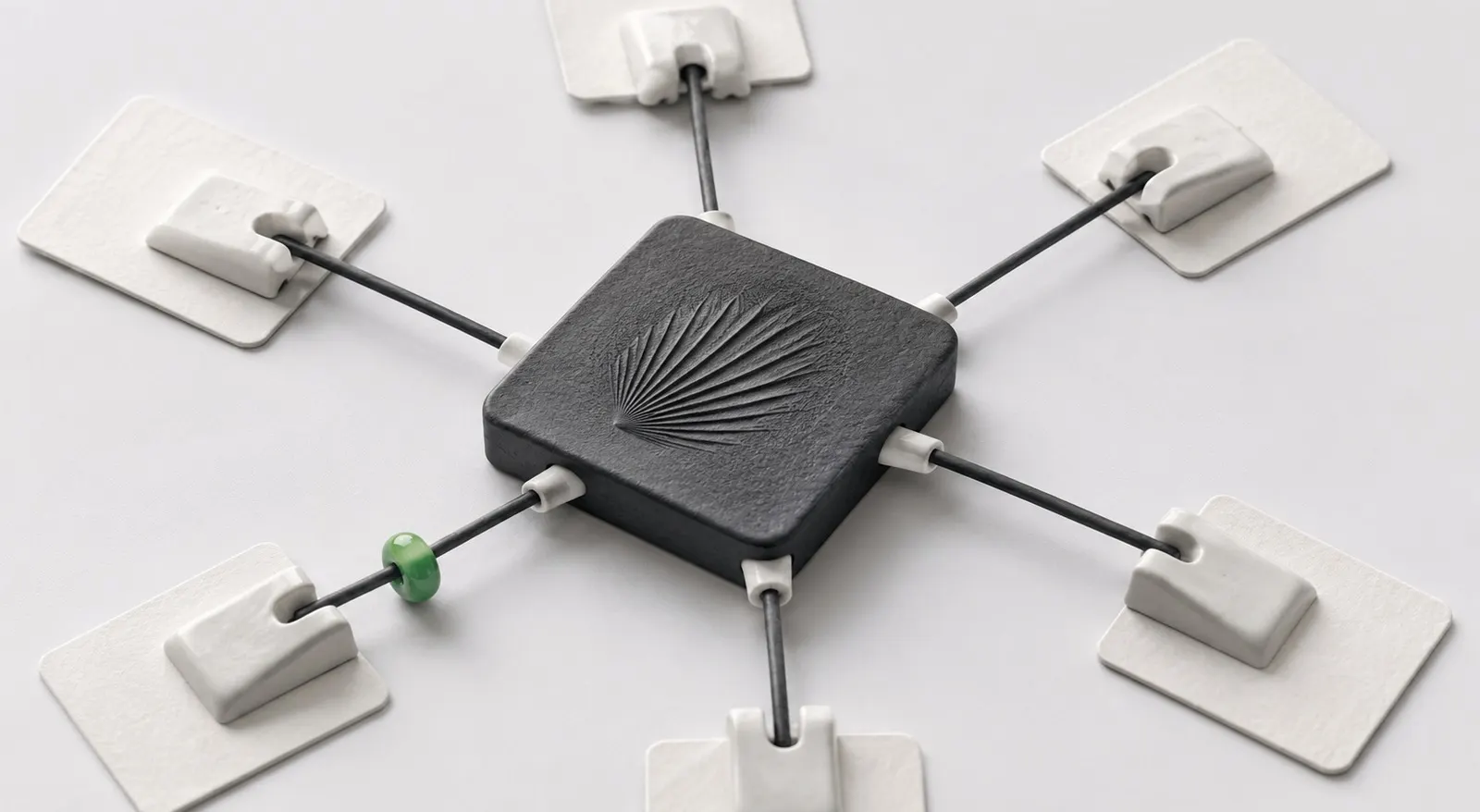
Not an app on top of cloud storage, a platform layer
What A3.Drive does
The core of the data model works from day one: object, holders, permissions and the contract. Other functions are added on top of it and do not change the foundation.

File identity
file_id never changes. A new version or moving the file to other storage breaks no reference anywhere in the products.
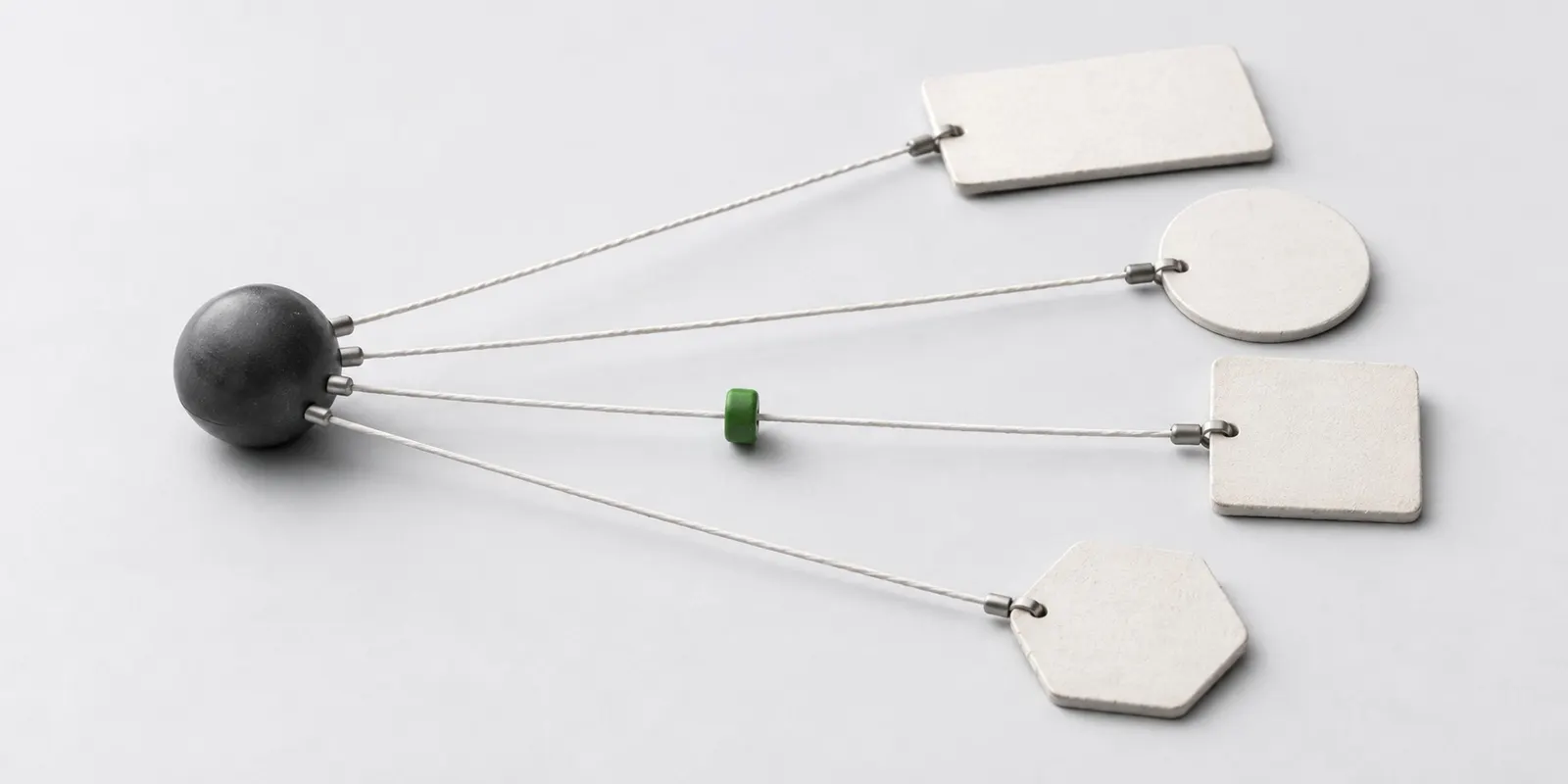
Bindings instead of copies
One file is used in several products at once. These are not copies but one object with several holders, and it takes up space once.
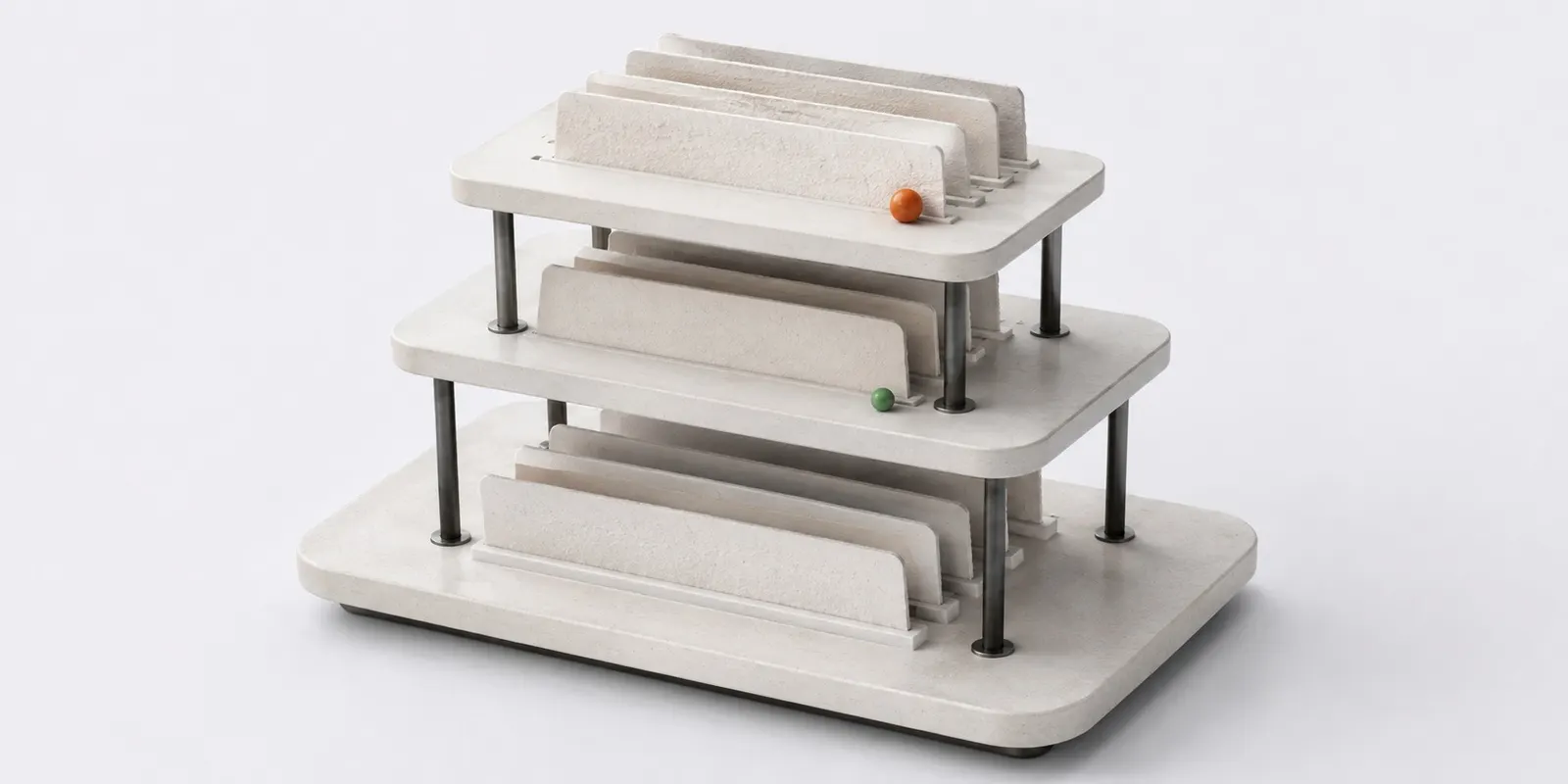
Company, employee and project drives
A folder tree that people manage. System attachments from products do not land in it and are counted separately.
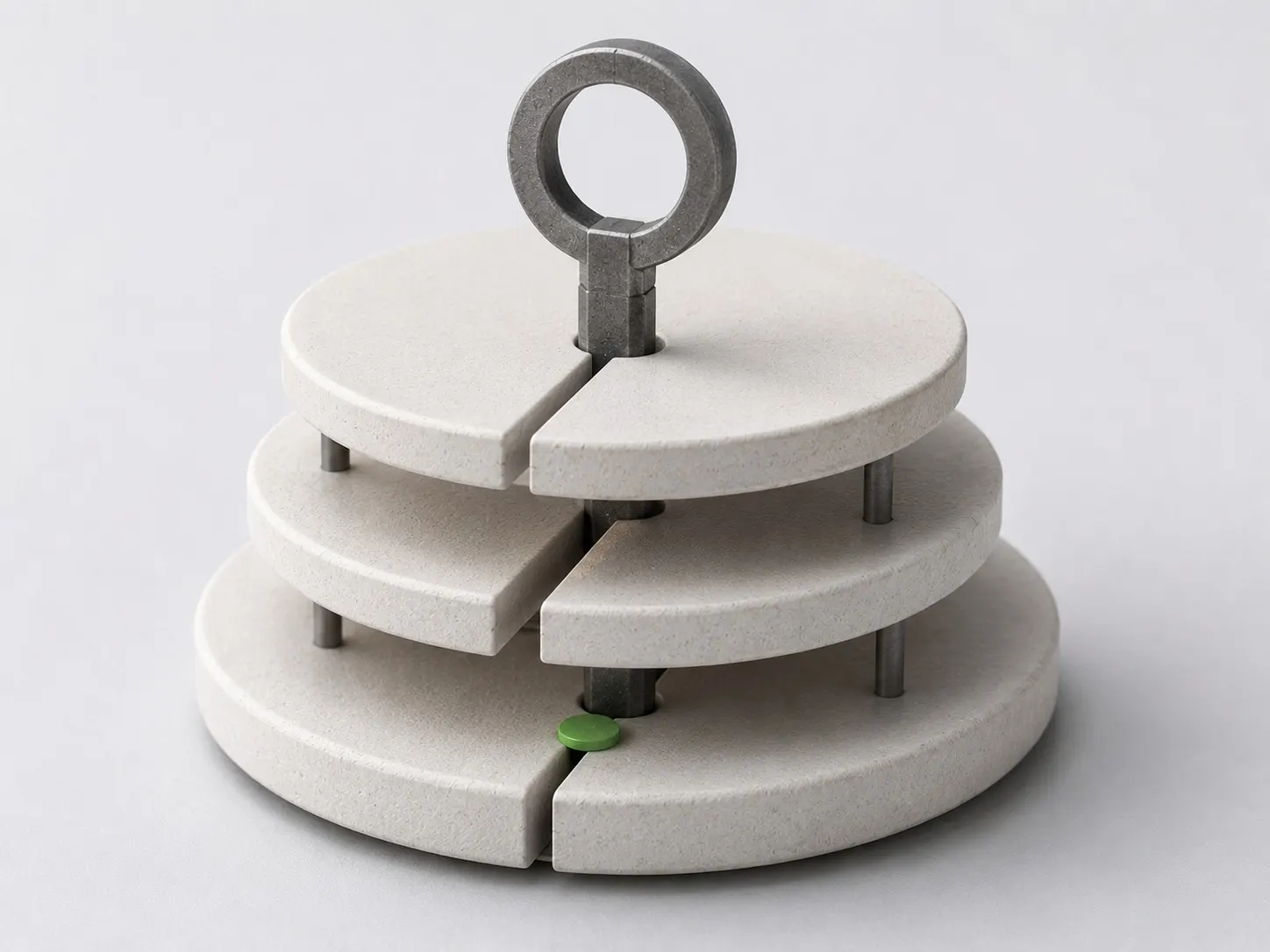
Permissions on files and folders
The question “who can see this file” is answered in one place. Access is granted to a user, a department, a project or through a public link.
Versions, rollback and trash
Edit history with restore of any version. Deletion goes through the trash, so a mistake by an employee is reversible.
Public links
A file or folder for external participants: expiry, password and revocation. With edit rights a partner works on the document without an A3 account.
Desktop synchronisation
The Windows and macOS client works from a change journal: the server returns a delta from the cursor instead of walking the whole tree.
How a file travels through the contract
- 1
Upload the file
The file enters storage, and an object with its first version is created. If the same file is already uploaded, the system offers to bind the existing object instead of a duplicate.
- 2
Add a binding to an entity
A product binds the object to its entity: a deal, a ticket or an invoice. Five bindings from one product are five holders, not one.
- 3
Serve it by link
The application requests the file by file_id. A3.Drive checks permissions and issues a signed link valid for a few minutes, for an image already in the right size.
- 4
Remove a binding
A product removes exactly one binding by binding_id. Repeating the call breaks nothing, and the object is deleted as a consequence, without a separate command.
Deletion is a consequence, not a command
An object lives as long as it has at least one holder. Nobody deletes a file directly: a product removes its binding, A3.Drive recounts the holders and decides what happens to the file.
Versions, rollback and trash- A holder is a binding to one entity, not a whole product
- A retention period outranks every holder, including the direct owner
- Removing the last binding sends the object to the trash instead of erasing it
- From the trash an object is restored together with its versions and permissions
- The same mechanism frees space on non-payment and leaves files under a retention period alone
Data stays inside its jurisdiction
Region is a property of the object, not of where the request came from. The original is kept in the account cluster, backups stay there too, and file_id does not depend on the region and survives a move.
Countries where data residency is being prepared
- Kazakhstan
- Russia
- Uzbekistan
- Kyrgyzstan
- Mongolia
An employee travelling abroad does not move data to another country: the region belongs to the account, not to the IP address of the request.
How data residency works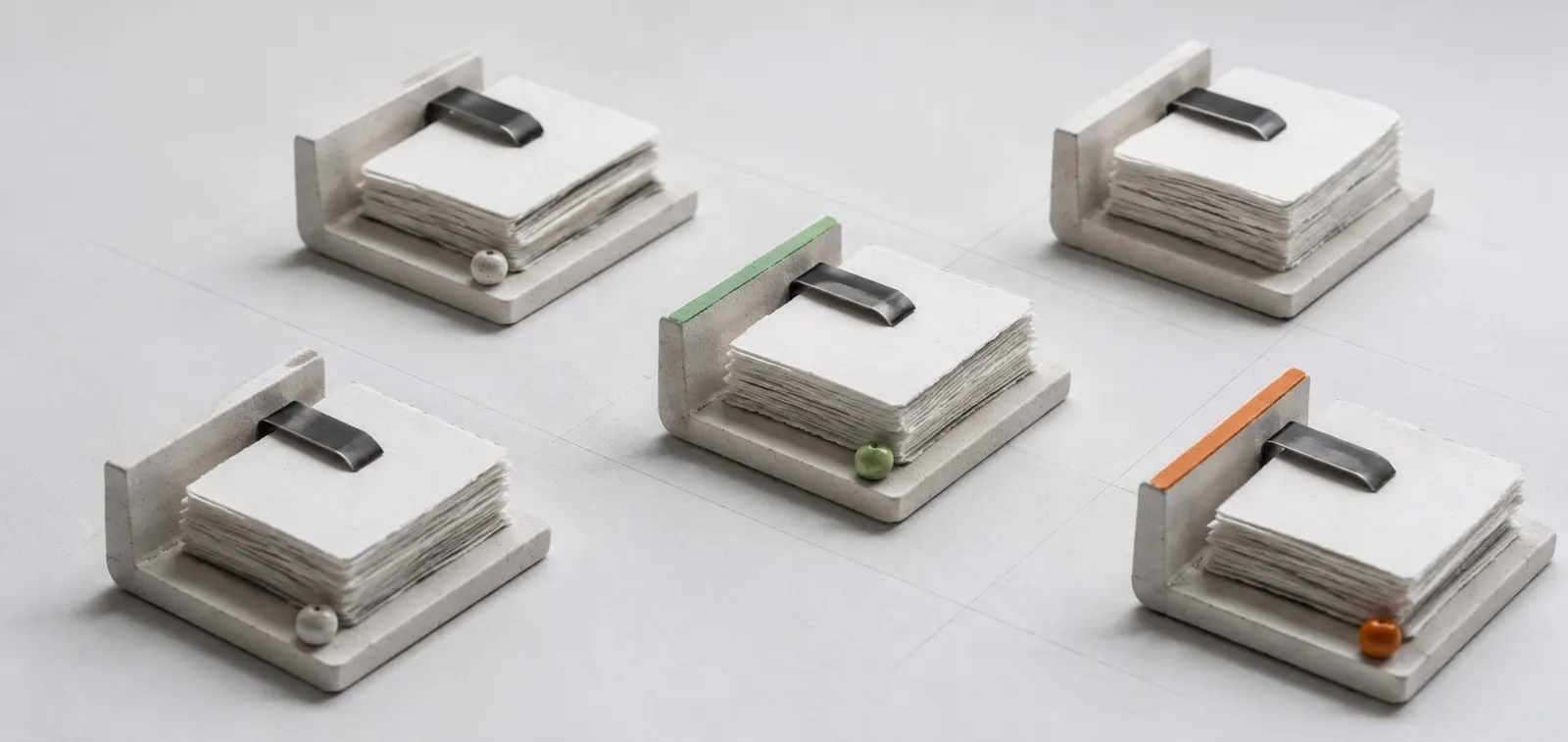
Products work through the contract, not with the storage directly
Products in the ecosystem have no storage of their own. They call A3.Drive through the same API contract as a customer integration, with no internal shortcuts, so an external integration gets the same guarantees.
API documentation- A3.EDMFreezes the signed version and sets the retention period.
- A3.TicketsHolds ticket attachments through a binding.
- A3.SalesKeeps deal documents without a copy of the file.
- A3.TelephonyWrites call recordings as system storage.
- Your productConnects with an API key and permissions, just like A3 products.
Connect A3.Drive as your storage foundation
Tell us which entities will hold files and which region the account runs in. That is enough to set up integration permissions, issue keys and start with the core contract.