Versions, rollback and trash
Two levels of undo: back to a version and back from deletion
What it gives you
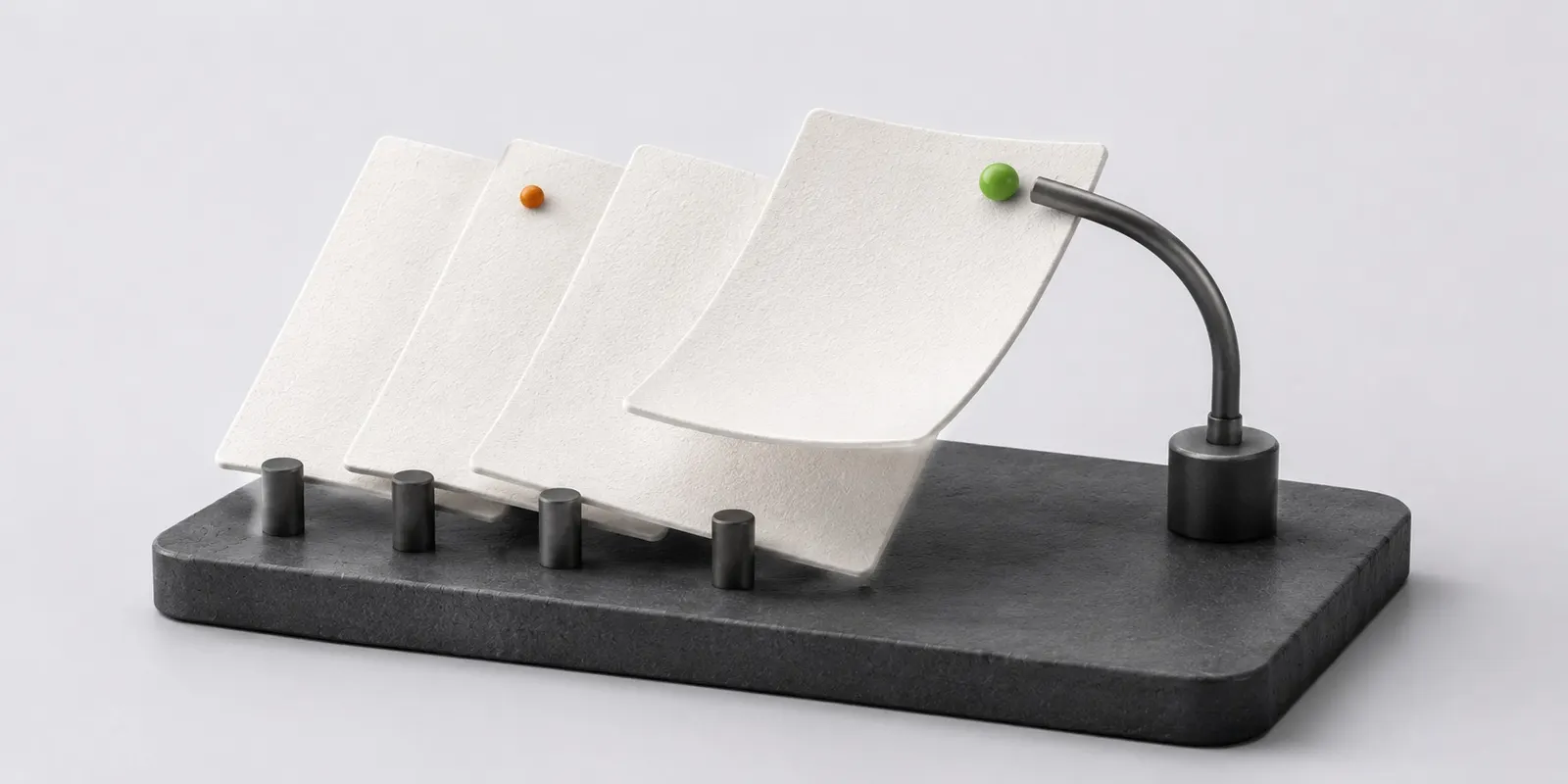
Versions are created by autosave while editing and by a product replacing an attachment. A version carrying a signature is frozen and cannot be overwritten. Deletion runs in two steps: an object without holders lands in the trash and only after the period expires is it physically erased. That gives recovery and protects against the race of removing the last binding while a new one is being created.
How it works
- Restore any version from history while the file keeps its identity
- A frozen version is protected from overwriting because a signature sits under it
- The trash shows how many days remain before physical erasure
- A document retention period holds an object even without holders and outranks any cleanup
Limitations
- The number of stored versions and how long they are kept depend on the plan
- After the trash period a file is physically erased and can no longer be restored
- A signed version is view only and cannot be overwritten
Which plan includes it
Platform
The feature is included in this plan and in every plan above it.
Compare plansFrequently asked questions
How long are old versions kept?
The number of versions and how long they are kept are set by the plan. A version from history can be restored, file_id stays the same and links in products keep working.
Can I get a file back after the trash is emptied?
No. The trash is the last step before physical erasure. It shows how many days remain, and until the period ends the file can be restored.
Why is a document I removed from my folders not deleted?
The document has a retention period, for example the legal period for a signed contract. It outranks every holder: you can drop your ownership, but the object stays until the period ends.