Company, employee and project drives
Two independent axes of navigation instead of one folder tree
What it gives you
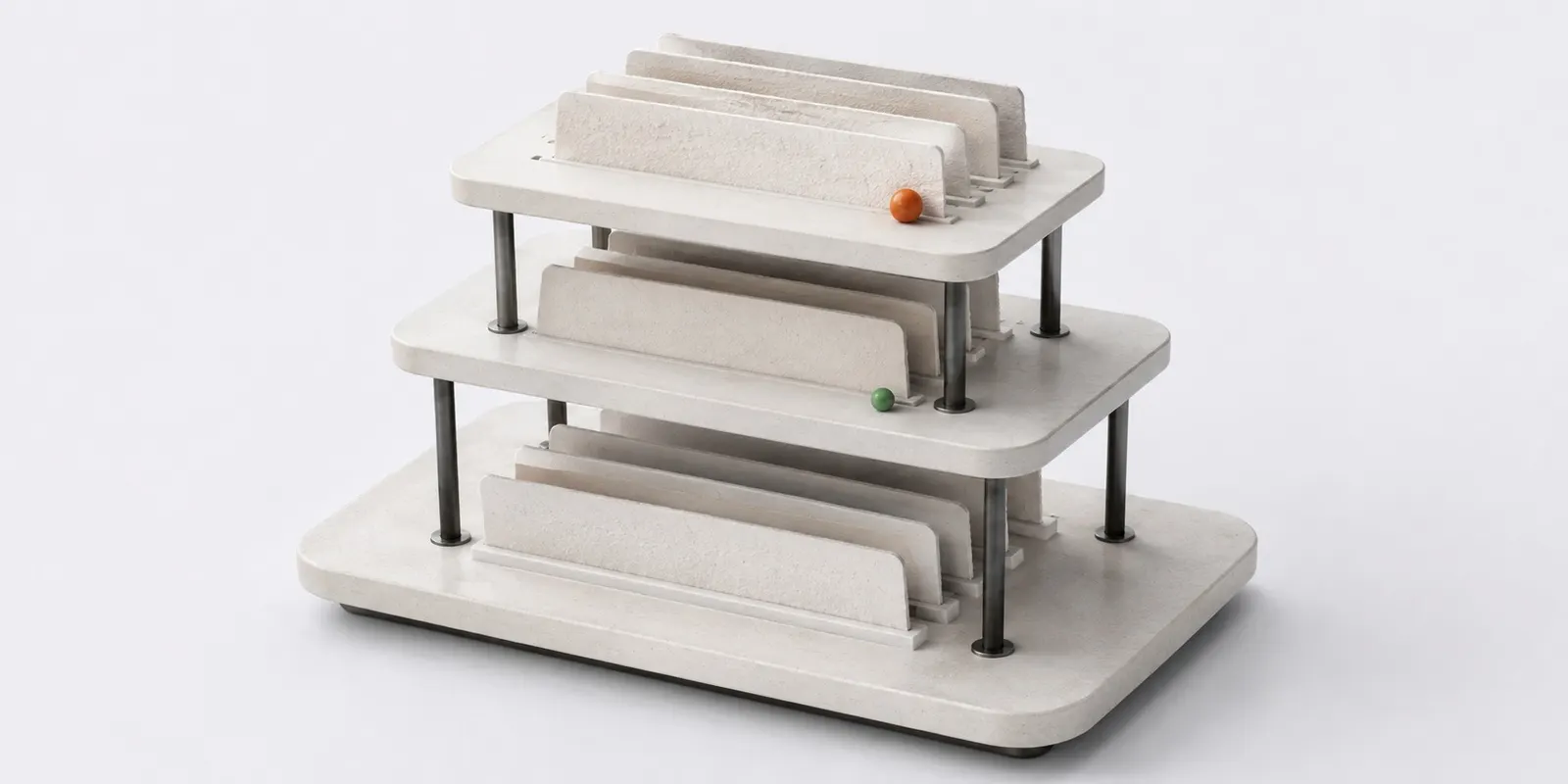
The “where it sits” axis holds company drives, personal employee drives and project drives: the files people arrange by hand. The “where it came from” axis is a set of virtual collections built from bindings: files from sales, from tickets, from telephony, from a customer product. The source is a filter, not a folder, so one file appears in several collections at once.
How it works
- A company drive for policies, templates and materials
- A personal employee drive with the option to share access
- A project drive visible only to project members
- Inside a source, files are grouped by entity and the group heading links back into the product
Limitations
- Product attachments do not land in the manual folder tree by default, they appear in source collections, in search and in recent files
- A source collection is built from bindings automatically, files cannot be arranged in it by hand
Which plan includes it
Platform
The feature is included in this plan and in every plan above it.
Compare plansFrequently asked questions
How is a company drive different from a personal drive?
The shared company drive holds materials for everyone: policies, templates, marketing files. A personal employee drive is visible only to its owner, who can still share access to individual files with colleagues.
Where do I find a deal attachment that is not in any folder?
In the “where it came from” collection: files are grouped by product and entity, and the group heading leads back to the deal or ticket. Search finds the attachment as well.
Can I put a product attachment into my own folder?
Yes. The file gets one more holder, direct ownership, and appears in the tree. No copy is made: it is the same object and it takes space once.