Space, quotas and cleanup
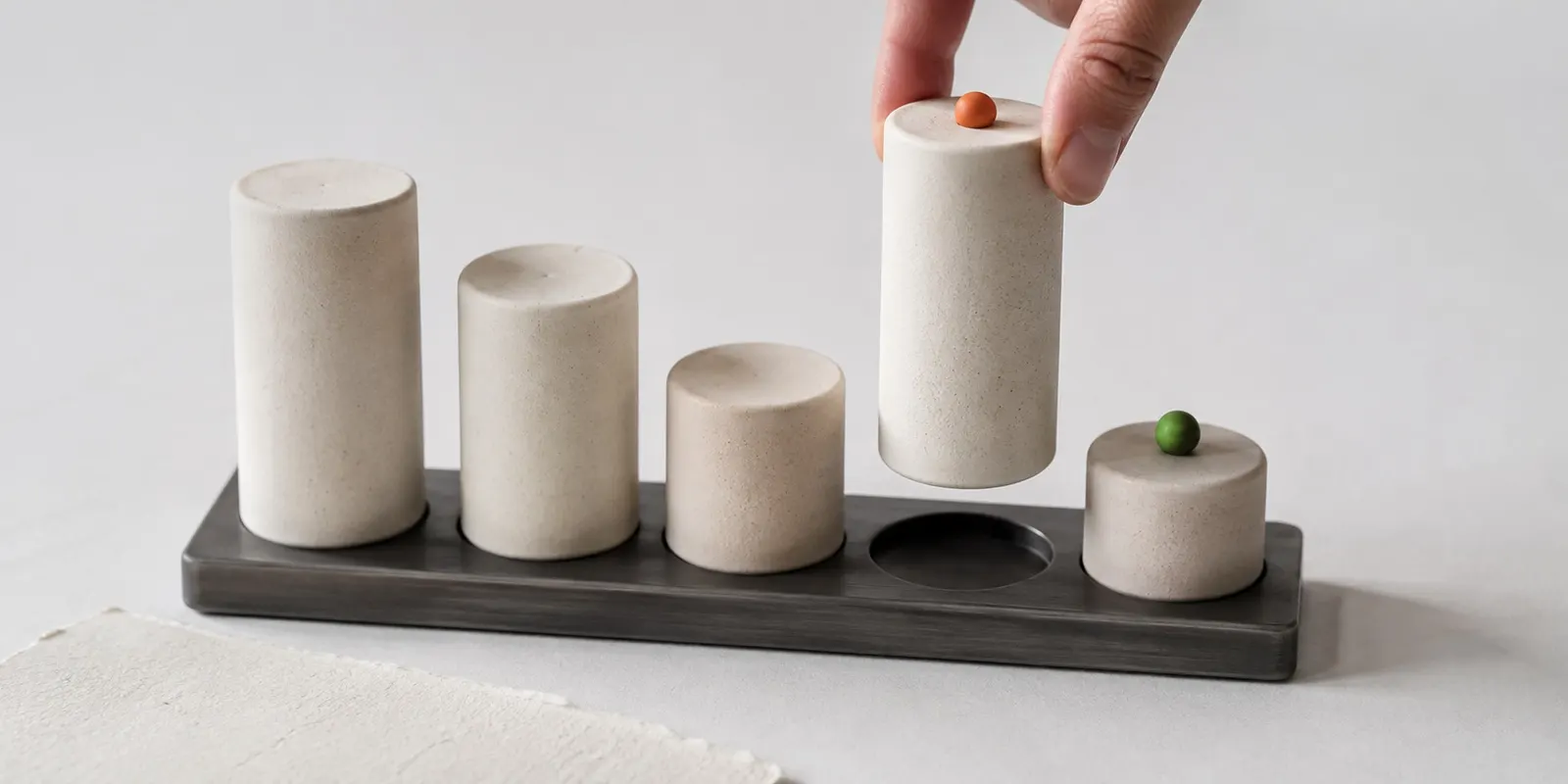
A quota answers how much was taken deliberately
What it gives you
The usage ledger is kept under one account key from day one. An object counts towards the user quota if it has at least one user binding, and it counts once. While only system bindings hold it, it takes no user quota but does not fall out of the ledger either: system storage has its own limit and its own period.
How it works
- The weight of a physical object is counted once regardless of the number of bindings
- A breakdown by product and file type instead of one total figure
- Cleanup suggestions: trash, old versions, unused objects
- On non payment writing is blocked first, then space is freed in an order known in advance
Limitations
- When the quota is exceeded the storage becomes read only: new files and versions are not uploaded
- Documents with a retention period are not deleted by cleanup or for non payment
- System storage is outside the user quota but has its own limit
Which plan includes it
Platform
The feature is included in this plan and in every plan above it.
Compare plansFrequently asked questions
How is space counted when several products use one file?
The weight of the physical object is counted once. Bindings to deals, tickets and folders create no copies and do not increase the space used.
What happens to files if the subscription is not paid?
First the storage becomes read only: all data stays in place, but new files are not uploaded. If payment still does not arrive, space is freed in an order known in advance, and whatever is removed goes to the trash first.
Are call recordings and other system attachments counted?
Separately. They take no user quota while only system bindings hold them, but system storage has its own limit and its own period.